
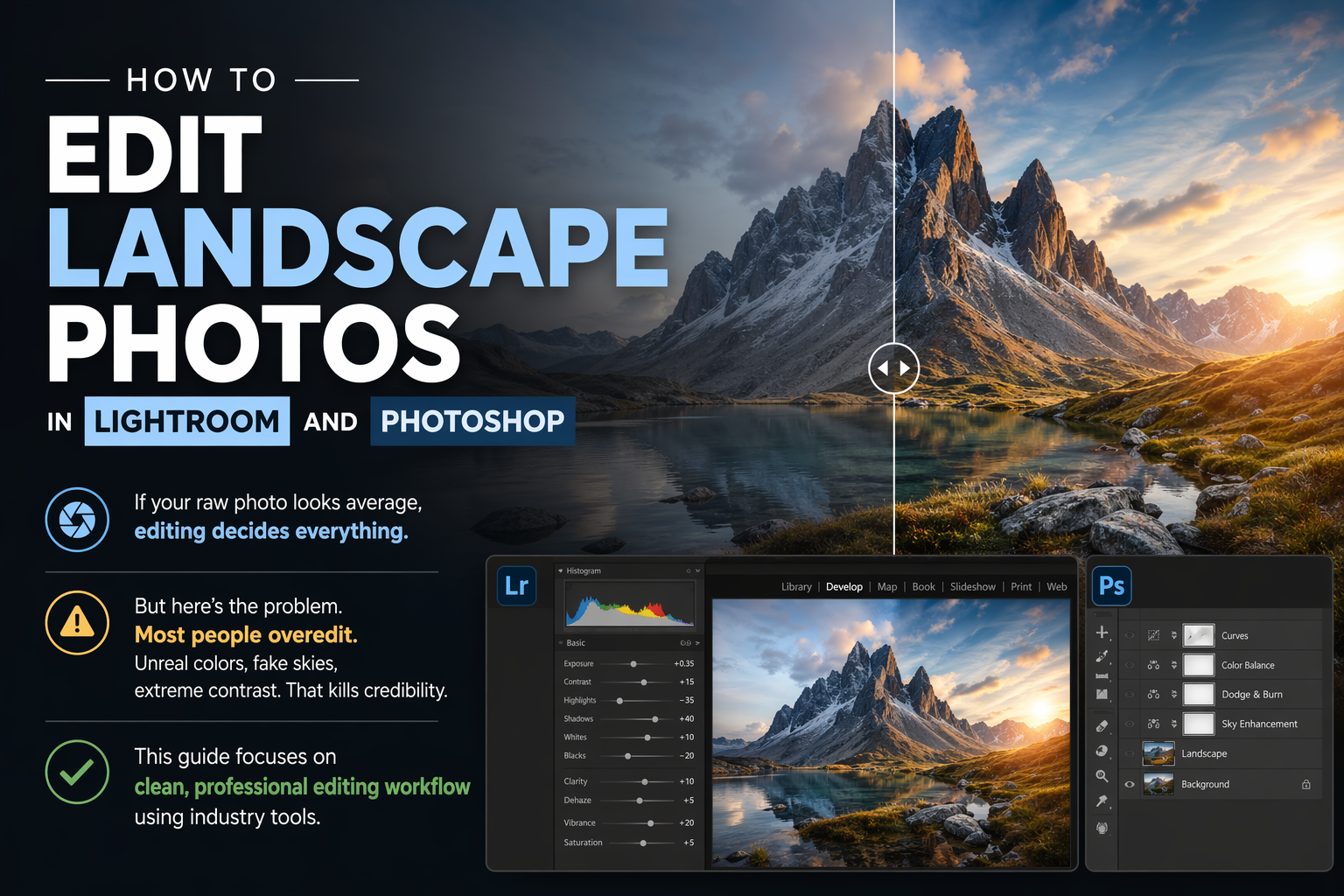
How to Edit Landscape Photos in Lightroom and Photoshop
If your raw photo looks average, editing decides everything.
But here’s the problem. Most people overedit. Unreal colors, fake skies, extreme contrast. That kills credibility.
This guide focuses on clean, professional editing workflow using industry tools.
Why Editing Matters in Landscape Photography
Cameras don’t capture scenes the way your eyes see them.
Editing helps you:
- Recover highlights and shadows
- Correct colors
- Add depth and contrast
Without editing, your photos will look flat and lifeless.
Tools You Need for Landscape Photo Editing
Professional workflow uses:
- Adobe Lightroom
- Adobe Photoshop
Lightroom
Best for:
- Basic adjustments
- Color correction
- Batch editing
Photoshop
Best for:
- Advanced retouching
- Sky replacement
- Exposure blending
Step-by-Step Landscape Editing Workflow
Follow this sequence. Don’t randomly adjust sliders.
Step 1. Import and Select Best Shot
- Remove blurry or weak images
- Pick only strong compositions
Bad input = bad output.
Step 2. Basic Adjustments in Lightroom
Start with fundamentals:
- Exposure
- Contrast
- Highlights
- Shadows
Goal: Balance the image. Not make it dramatic.
Step 3. White Balance and Color Correction
Fix temperature and tint.
NLP Keywords:
- color grading
- natural tones
- white balance correction
Avoid extreme saturation. Natural colors always win.
Step 4. Enhance Details and Sharpness
- Increase clarity slightly
- Add texture carefully
- Apply sharpening
Too much = artificial look.
Step 5. Use Graduated Filters
Adjust specific areas:
- Darken sky
- Brighten foreground
This adds depth and control.
Step 6. Advanced Editing in Photoshop
Move to Photoshop only when needed.
Use it for:
- HDR blending
- Removing distractions
- Sky enhancement
Common Editing Techniques You Should Master
HDR Blending
Combine multiple exposures for better dynamic range.
Dodging and Burning
Control light manually to guide focus.
Color Grading
Subtle tones create mood.
Mistakes That Ruin Landscape Photos
Over-Saturation
Fake colors destroy realism
Over-Sharpening
Creates noise and halos
Ignoring Composition in Editing
Editing cannot fix poor framing
Copy-Paste Presets
Every photo needs unique adjustment
Editing Style. Keep It Natural
Look at professionals like:
- Ansel Adams
Their work is controlled, not exaggerated.
Your goal:
- Enhance reality
- Not fake it
Export Settings for Best Quality
For Web:
- JPEG format
- 70–80% quality
- Resize for speed
For Print:
- High resolution
- Minimal compression
Final Thoughts
Editing is not about adding effects. It is about refining what already exists.
If your composition and lighting are strong, editing becomes easy.
If they are weak, no software will save your image.