
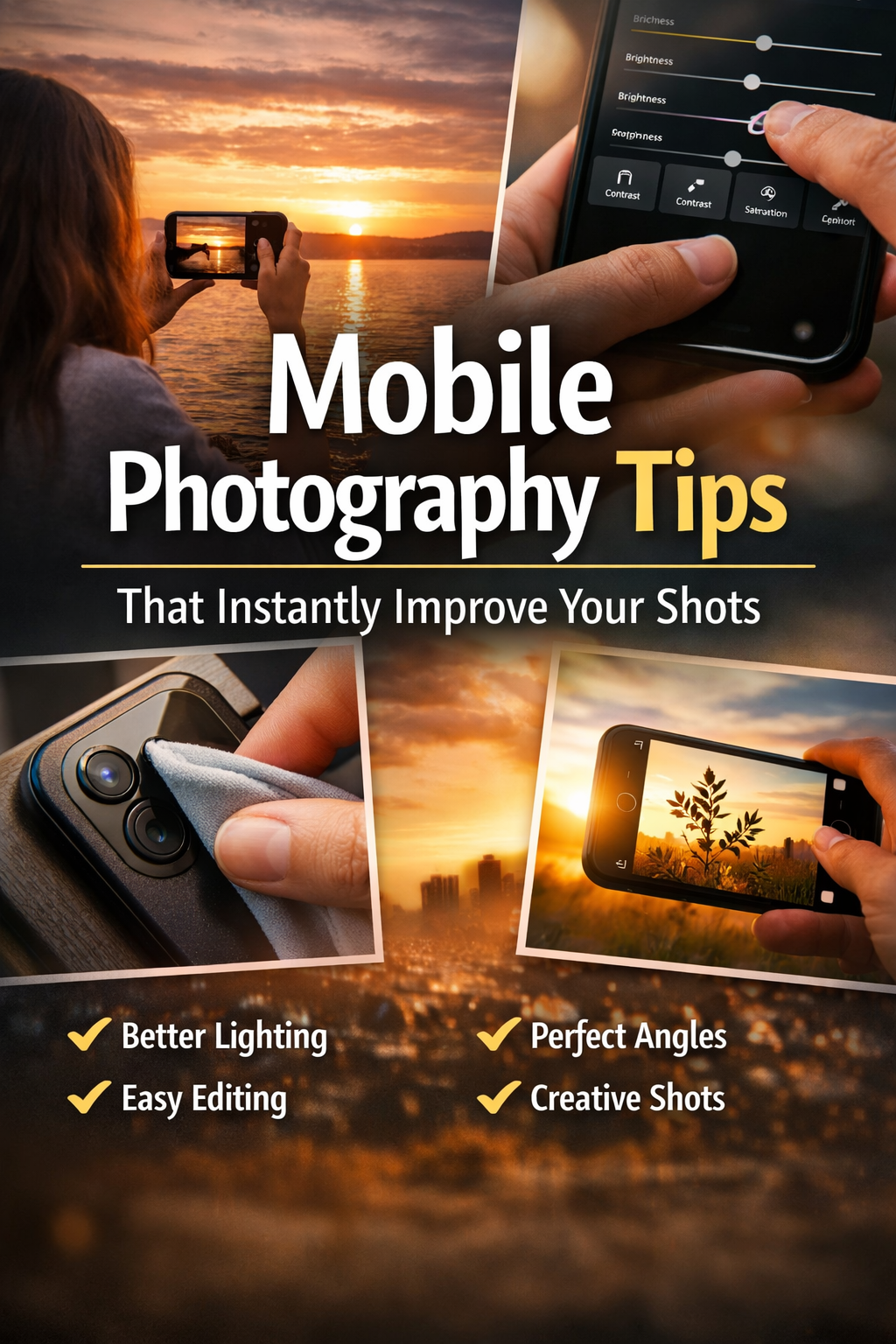
Mobile photography has become a popular way to capture memories, tell stories, and create art. With smartphones improving every year, anyone can take amazing photos without an expensive camera. The key is to understand simple tips and techniques that instantly make your pictures look professional. This guide will walk you through practical steps you can use right now to improve your shots.
Start With the Basics
Before diving into fancy features, focus on the basics. Hold your phone steady and understand your camera’s settings. Most phones have easy controls like exposure, focus, and zoom. Learning how to use these features can make a big difference.
In this guide, Pik will help you understand the essentials of mobile photography. Once pics show beginners how small changes like adjusting lighting or using grid lines can create better photos. Using oncepik, you will see how simple tips, practiced regularly, can instantly improve your images.
Keep Your Lens Clean
A dirty lens can make your photos look blurry or foggy. Wipe your lens gently with a soft cloth before taking pictures. This small step is often overlooked but can instantly improve clarity and sharpness. Always carry a microfiber cloth in your bag or pocket for quick cleaning.
Use Natural Light Whenever Possible
Lighting is the most important factor in photography. Natural light makes your photos look more vibrant and professional. Try shooting outdoors or near windows. Avoid harsh midday sun; early morning or late afternoon light works best. Soft, diffused light highlights details and reduces shadows.
Avoid Using Flash
Phone flash often creates harsh light and unnatural colors. If you must use it, diffuse the light by placing a thin cloth or tissue over it. Otherwise, adjust your position to take advantage of existing natural light.
Focus on Composition
A well-composed photo is always more engaging. Use the rule of thirds, leading lines, and symmetry to make your shots interesting. Most phone cameras have grid lines you can turn on to help frame your subject. Move around your subject, try different angles, and experiment with perspectives to add depth to your images.
Experiment With Angles
Don’t just shoot from eye level. Try high or low angles for dramatic effects. Capture reflections from water or mirrors for creative compositions. Tilting your camera slightly can make simple shots look professional.
Use Editing Apps Carefully
Editing is essential to enhance your photos. Use simple apps to adjust brightness, contrast, saturation, and sharpness. Avoid over-editing; too much effect can make photos look unnatural. Free apps like Snapseed or VSCO are beginner-friendly and powerful.
Crop and Straighten
Cropping helps remove distractions and improve focus on the subject. Straightening lines can make a photo feel more balanced. Always check edges and horizon lines before posting.
Play With Depth of Field
Some phones let you blur the background to emphasize the subject. This technique, known as portrait mode, helps create professional-looking images. Make sure the subject is well-lit and the background is not too busy.
Use Layers
Layering objects in the foreground and background adds depth. For example, shoot through leaves, windows, or fences to make your photos more dynamic. This small adjustment can transform a simple scene into a captivating image.
Master Colors and Contrast
Vibrant colors and good contrast make photos pop. Look for colors that complement each other or create patterns. Avoid dull lighting that flattens your image. Shadows can also be used creatively to add drama.
Learn About White Balance
White balance ensures colors in your photo are accurate. Different light sources can make your photos look too yellow or blue. Adjusting white balance manually in your camera app can create more natural-looking images.
Take Advantage of Camera Features
Modern phones have amazing features you can use: HDR, panorama, night mode, slow motion, and timelapse. Learning these can make your photos more interesting. Experiment with each feature to understand when it works best.
Use HDR for Balanced Lighting
HDR combines multiple exposures to capture details in both shadows and highlights. Use it for high-contrast scenes, such as sunsets or bright indoor lighting. Remember, it works best when the phone is held steady.
Keep Practicing and Experimenting
Photography is a skill that improves with practice. Take photos every day, experiment with lighting, angles, and subjects. Review your photos to see what worked and what can be improved. Over time, your eye for composition and timing will naturally improve.
Challenge Yourself
Try new subjects like landscapes, portraits, or street photography. Participate in photography challenges or share your work with friends. Constructive feedback helps you grow faster.
Tips for Shooting People
Capturing people naturally can be tricky. Make your subject comfortable by talking to them or letting them move naturally. Avoid stiff poses. Capture genuine expressions, laughter, or motion for engaging portraits. Using oncepik tips, beginners can understand lighting, angles, and expressions to take better shots.
Focus on Eyes
Eyes are the most expressive part of a person. Make sure they are in sharp focus, especially in portraits. Even small adjustments in angle or lighting can make eyes look alive and captivating.
Outdoor Photography Tips
Outdoor photos give endless opportunities with natural light and scenery. Look for interesting textures like trees, water, or buildings. Use shadows creatively and watch how sunlight changes throughout the day. Move around to find the best background and lighting angle.
Avoid Clutter
Keep the background simple to emphasize the main subject. Remove distracting objects or change your angle to focus attention where it matters.
Night and Low-Light Photography
Low-light photography can be challenging but rewarding. Use night mode or keep the phone steady using a tripod or surface. Avoid digital zoom; move closer if possible. Lights from street lamps or candles can add warmth and mood to your photos.
Adjust Exposure
Tap on your screen to adjust exposure. Brightening or darkening a photo slightly can make a big difference in clarity and detail. Experiment with exposure to create different moods.
Final Thoughts
Mobile photography is accessible, creative, and fun. By understanding basic tips like lighting, composition, angles, and editing, you can instantly improve your shots. Use features on your phone wisely, practice daily, and experiment with new ideas. Following these practical steps and insights from oncepik will help you grow as a mobile photographer and create images you’re proud to share.
FAQs
Q1: Do I need a professional camera for great photos?
A: No. Modern smartphones can take amazing pictures if used correctly.
Q2: How can I improve low-light shots?
A: Use night mode, keep the phone steady, and avoid digital zoom.
Q3: What is the easiest way to make photos look professional?
A: Focus on lighting, composition, and simple edits.
Q4: Should I always use editing apps?
A: Editing helps, but avoid overdoing it. Adjust brightness, contrast, and color gently.
Q5: How often should I practice photography?
A: Daily or whenever possible. Practice improves skill, timing, and creativity.